
93,00 € Original price was: 93,00 €.83,70 €Current price is: 83,70 €.
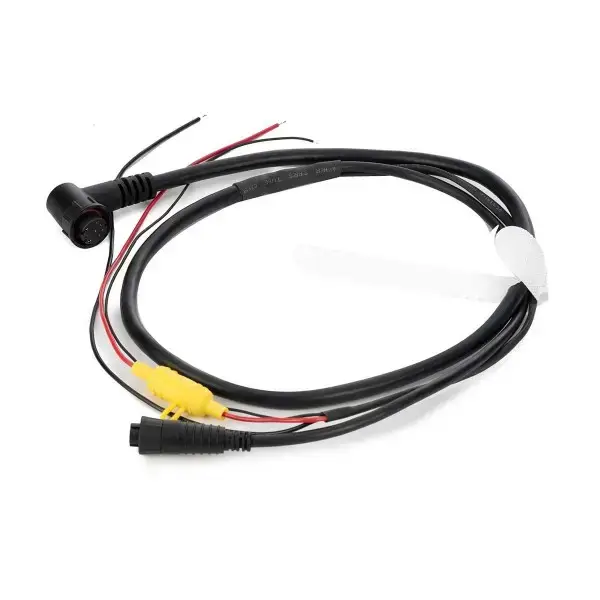
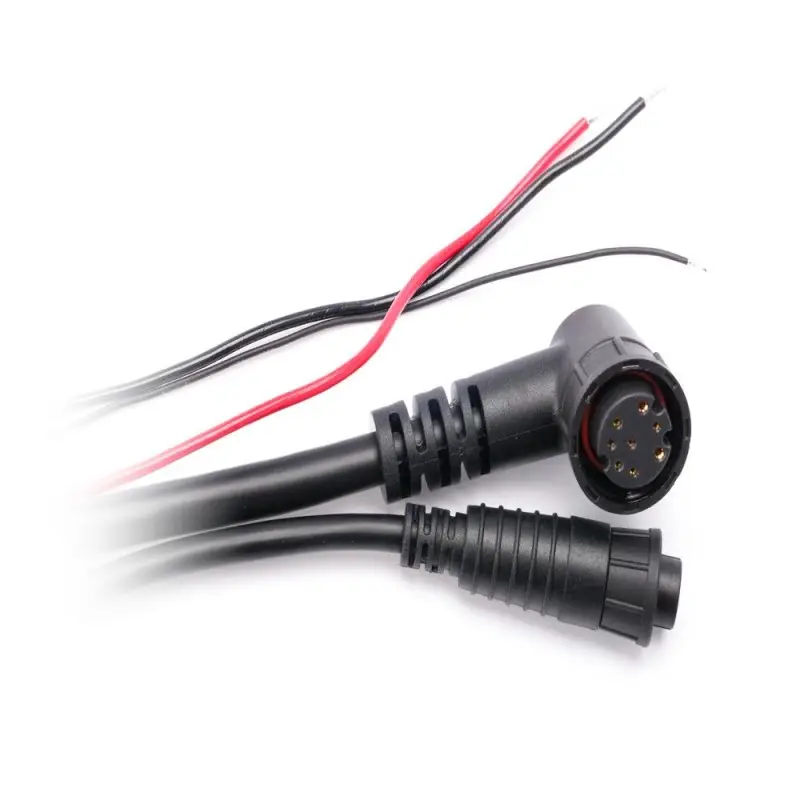
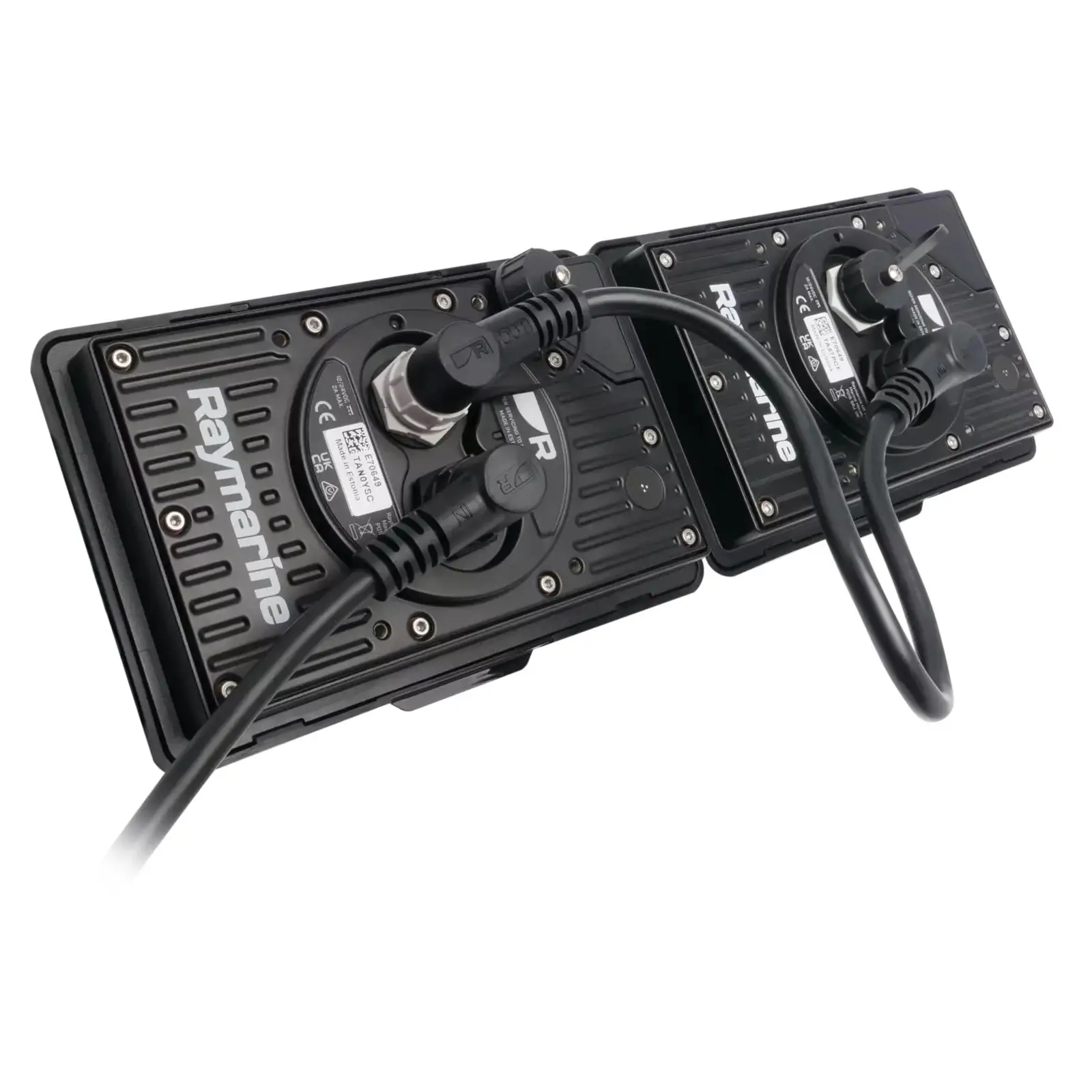
To begin installing Alpha displays, you will need at least one Alpha Performance Display Power and RayNet cable. From the first display to the next, you will then use Daisy Chain cable. Up to 4 Alpha displays can be connected in a Daisy Chain. Select the cable length according to your needs; lengths of 1 m, 3 m, 5 m, and 10 m are available. If the RayNet connection needs to be extended later, a RayNet M – RayNet M adapter cable must be used. A80162. You can then continue with a standard RayNet F-RayNet F cable. In this case, the power supply must be connected where the Alpha Performance Display Power and RayNet cable ended. Before starting the installation, be sure to also familiarise yourself with the Alpha Performance Display instructions and consult our specialist if necessary.
2 in stock
Get in touch with us!
For produce, 2-3 working days. In other cases, 7-14 working days. Ask for more information!
To begin installing Alpha displays, you will need at least one Alpha Performance Display Power and RayNet cable. From the first display to the next, you will then use Daisy Chain cable. Up to 4 Alpha displays can be connected in a Daisy Chain. Select the cable length according to your needs; lengths of 1 m, 3 m, 5 m, and 10 m are available. If the RayNet connection needs to be extended later, a RayNet M – RayNet M adapter cable must be used. A80162. You can then proceed with a standard RayNet F-RayNet F cable. In this case, the power supply must be connected where the Alpha Performance Display Power and RayNet cable ended.
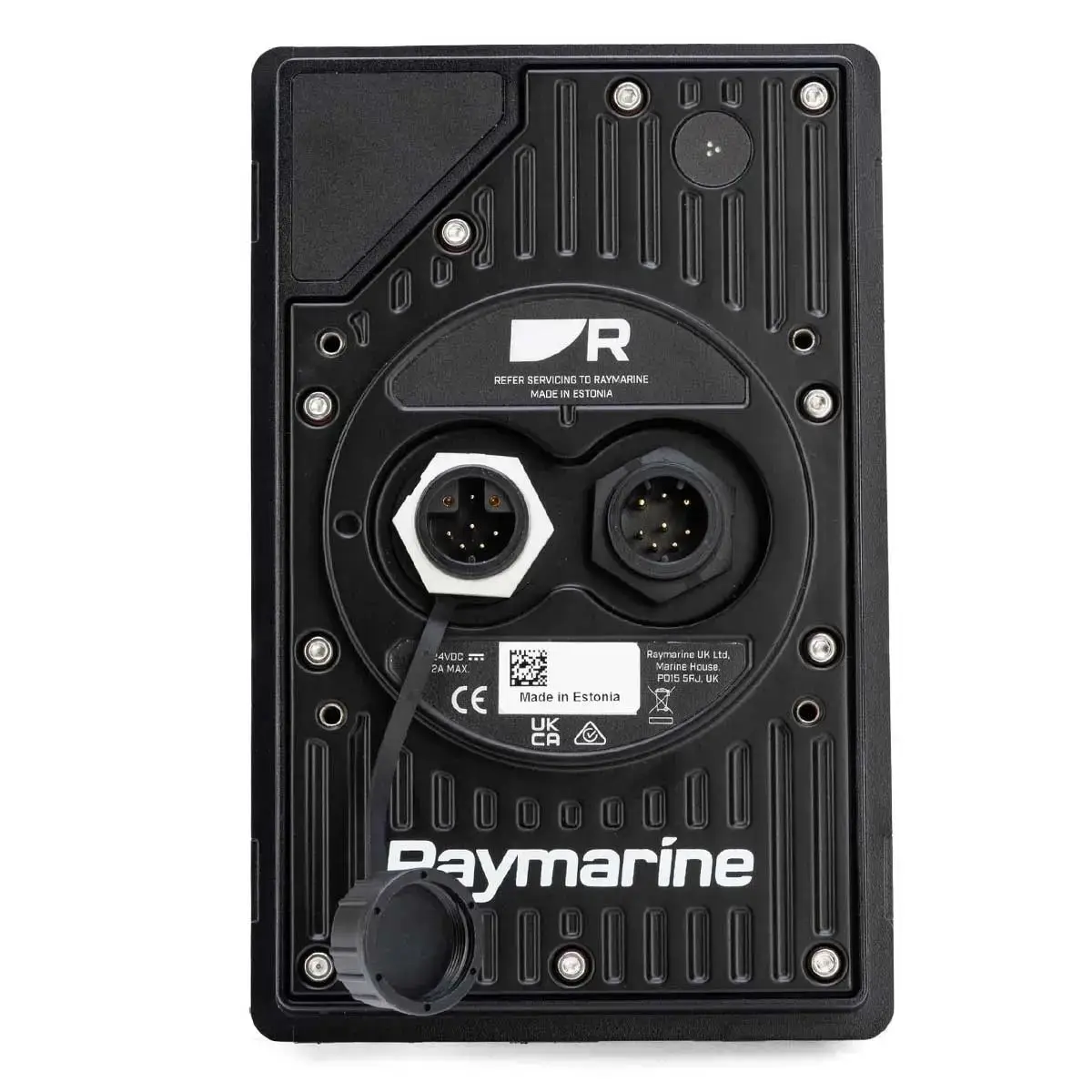
The Alpha Performance Display has a nominal voltage of 12-24 V DC and an actual operating voltage range of 10.8 V to 32 V DC. Thanks to this, Alpha screens can be easily connected to both 12 V and larger consoles' 24 V DC systems.
Technical specifications by model:
Instructions:
Download Alpha Performance Display Installation guide
Download the Alpha Performance Display Mast Bracket Installation guide
| Weight | 1 kg |
|---|
You must be logged in to post a review.
Register your new Raymarine product within 3 months
Your data will not be passed on to third parties.
All payments are processed in a secure environment.
 Eesti Eesti
  English (UK)
  Suomi
Suomi  Русский Eesti Eesti English (UK)
Suomi
Русский
Русский Eesti Eesti English (UK)
Suomi
Русский
Reviews
There are no reviews yet.