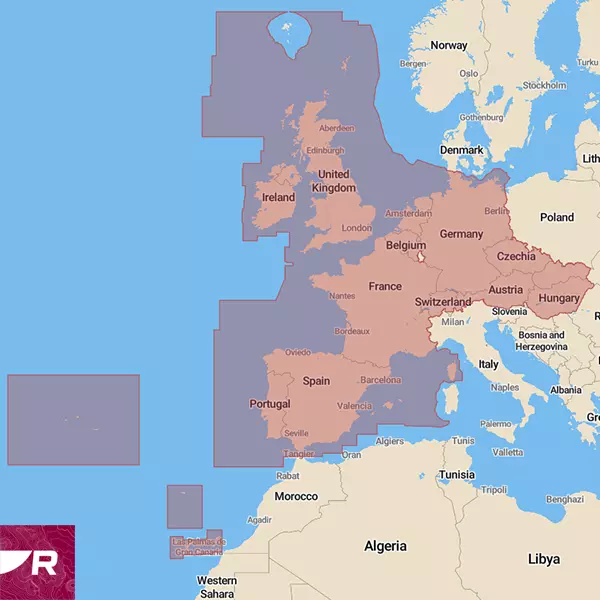
Raymarine LightHouse chart (mSD), West Europe covers Western Europe, including Ireland, Great Britain, Portugal, Spain, France, Germany, Switzerland, Austria, the Netherlands, Belgium, the Czech Republic, Hungary, and Slovakia. These charts are based on data from official hydrographic sources, converted into Raymarine's own .rmc format. The benefits of the new chart software include exceptional clarity, enhanced functionality, and improved imaging. Raymarine Lighthouse charts are suitable for devices running Lighthouse 3, 4, and 5 operating systems, Axiom, Axiom+, Axiom Pro, Axiom2 Pro, Axiom XL, Axiom2 XL, and Element series. Please check that your devices are up to date. The minimum update software .iso files required to display the LightHouse chart are included on the memory card. After updating your devices, you can delete the files containing the software from the memory card. If your chartplotter already has the same or a newer version of the software, do not perform the update.
See Raymarine Teave laevateede kohta. Raymarine equipment software is freely downloadable. Before updating the software on your chartplotter or other navigation equipment, please read the guide on how to do it. Software update at your own risk.
Users of Raymarine LightHouse charts can choose between four different display modes: day, twilight, night and bright sun. All these modes are designed to improve overall clarity and reduce eye strain in different lighting conditions. Without changing the overall size of the chart, you can adjust the size of navigation marks, lights and other navigation icons on LightHouse charts. You can also adjust the level of detail displayed on the charts, limiting the display to only the main navigational aids (low) or including other objects to varying degrees (high). The source data for points of interest comes from recognised marine information sources, Reeds Almanac and Marinas.com. To make the most of this information, Raymarine has added a “Find Nearest…” function with pre-set options that guide you directly to the nearest marina, fuel station, anchorage, repair yard or beach. One very useful feature for which more detailed information is expected in the future is real-time tide heights and currents; Raymarine is currently working on this. LightHouse charts feature satellite imagery from Mapbox, which can be added or removed as layers to cover either land only or both land and sea. As well as being visually appealing – allowing you to see the surrounding area in vivid photographic detail, right down to individual streets, buildings and parks – this is also an excellent way to avoid shoals and reefs. You can choose between professional and leisure display modes; The first is S-52 (Government Chart Style), a chart mode favoured by professional sailors for its very clear and comprehensive nautical information, which contains virtually no information about the land. The second is a more colourful version, richer in additional information, which recreational boat owners can use to locate harbours, shops and other points of interest. There are also two additional features, the first of which is designed primarily for fishing enthusiasts. These are expert-verified fishing areas, which display in detail the best spots for catching different species, along with additional information, one-metre interval depth contours and RealBathy mapping capabilities. This allows users to create their own sonar charts of previously unmapped areas using their own fishfinder. The second highly useful feature of LightHouse Chart is available when using the Raymarine Premium service, which enables users to update their chartplotter maps via a smart device. The Premium package also provides access to enhanced satellite imagery and a large, constantly updated database of points of interest (POIs). This provides up-to-date information on marinas, fuel stations, boat builders, repair workshops, as well as nearby shopping centres and restaurants. The locations of Raymarine service centres are also marked.
Changing the size of chart symbols independently of the zoom level. Without altering the overall size of the nautical chart, it is possible to change the size of, for example, buoys, lights, and other navigational icons. It is also possible to adjust the level of detail displayed on nautical charts, limiting it to only the main navigational aids (low) or adding less important points of interest to varying degrees (high).
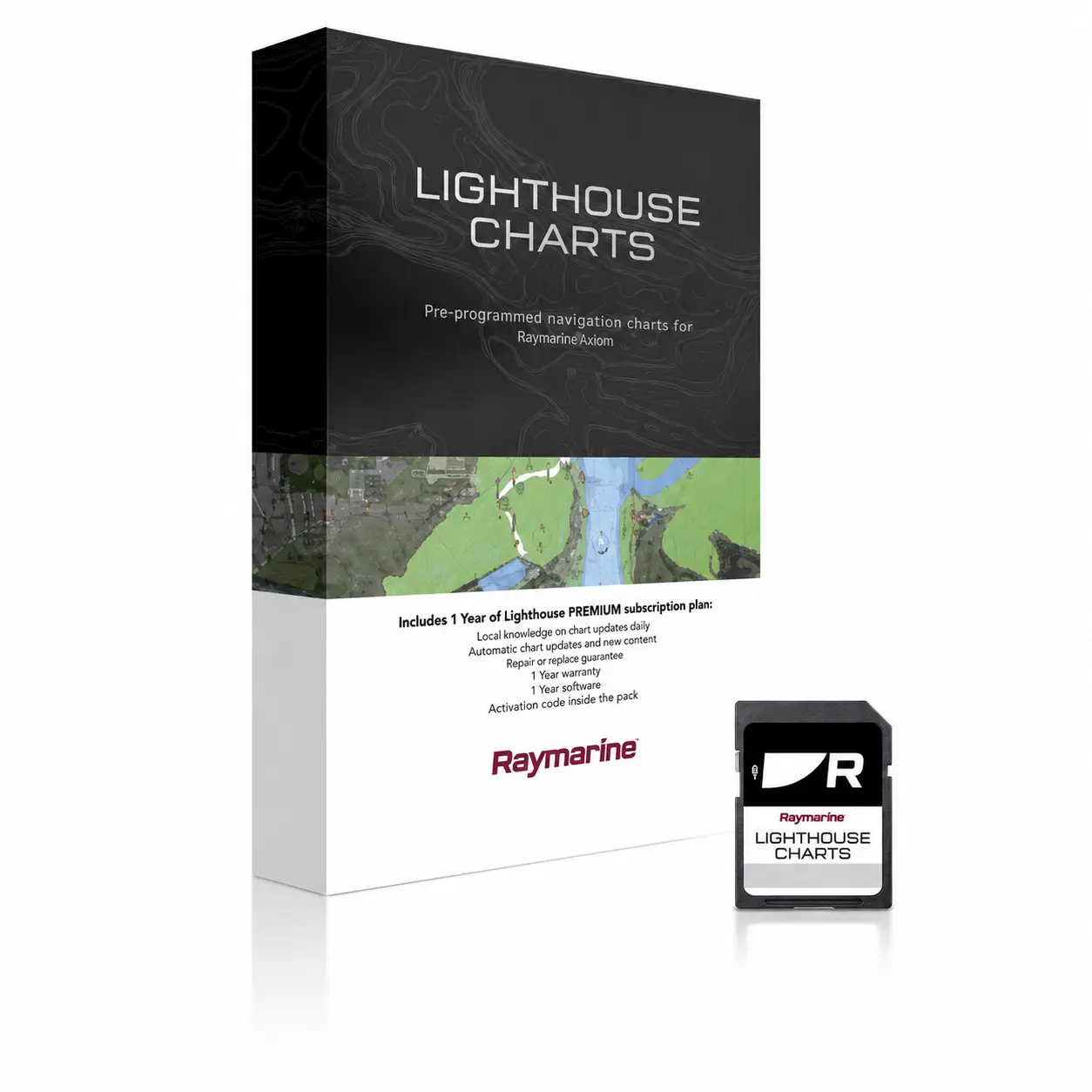
QUICK START GUIDE: Thank you for your interest in Raymarine LightHouse Charts. The new chart needs to be downloaded and copied to the memory card directory supplied in the package. lighthouse_charts. To download the map, go to Raymarine ChartManager to the website and create an account for yourself. Once you have opened the card packaging, you will find the card VOUCHER CODE. Select the command from the ChartManager homepage: Redeem your voucher, enter the correct code and press Submit. Follow the on-screen prompts. Map NEW You have already been selected and you can add to your choices in two categories: Point of interest, What are the streets and points of interest and Aerial, what is satellite view. In both categories, you can drag squares onto the map in the areas you wish to download. You can select four squares for each category; please make your selection reasonably. Once you have made all the necessary selections, the approximate file size will be displayed, and you should press the button Download. You will now be asked to enter your LightHouse card ID. Navigate to your new memory card in the search window and select the file named lighthouse_id.txt Your chart will henceforth be linked to this memory card. Please keep the packaging in a safe place and do not lose the memory card. Downloading will not be instantaneous. Depending on your selections, the server will prepare your downloadable LightHouse chart file. This will take time depending on the file size, which can range from 1.9GB to 20GB with all additions. Do not close your browser or computer during the download. The chart file will be automatically downloaded to your computer's Downloads folder, and from there, copy it to the folder on the memory card. lighthouse_charts Before copying, remove the old lighthouse_chart.rmc file from the memory card and check., and the download has completed fully and the new map file name is lighthouse_chart.rmc NB! There are three important things with the files on the memory card, Do not change The file lighthouse_chart.rmc has no name or type., Do not delete The file lighthouse_id.txt and the directory lighthouse_charts may be one at a time lighthouse_chart.rmc failed.
From 10.02.2025 we will be discussing the Gen2 generation of LightHouse charts and Jim has made a beautiful explanatory and informative video about that.
The frequently asked questions about the LightHouse card are listed by the manufacturer on the website.


 Eesti
Eesti  English (UK)
 Suomi
Suomi
 Русский