Raymarine i70s Multifunction Colour Instrument
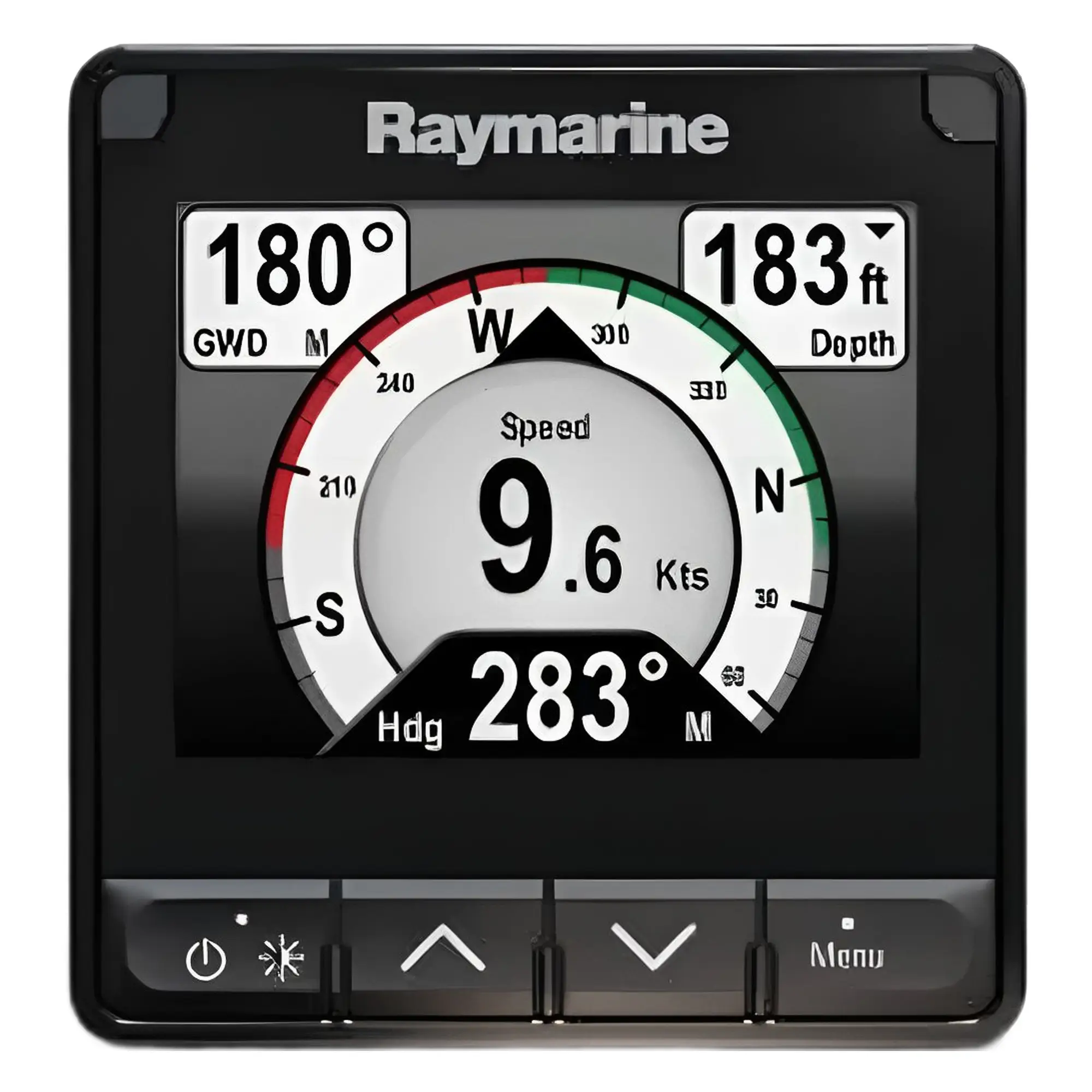
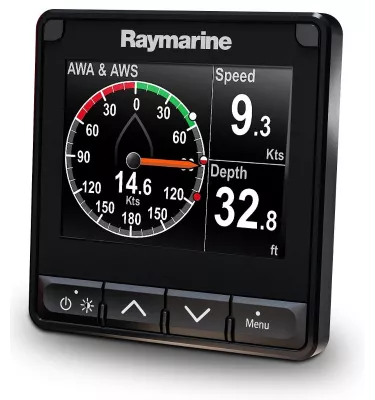
The Raymarine i70s is a new generation multifunction instrument offering a large 4.1-inch LED-backlit display for maximum visibility with minimal space requirements. The i70s instruments are energy-efficient with a very bright backlight (1200 cd/m²) making them exceptionally easy to read even in bright sunlight.
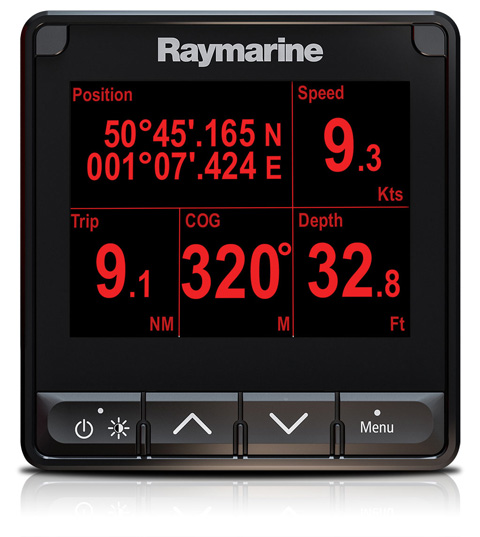
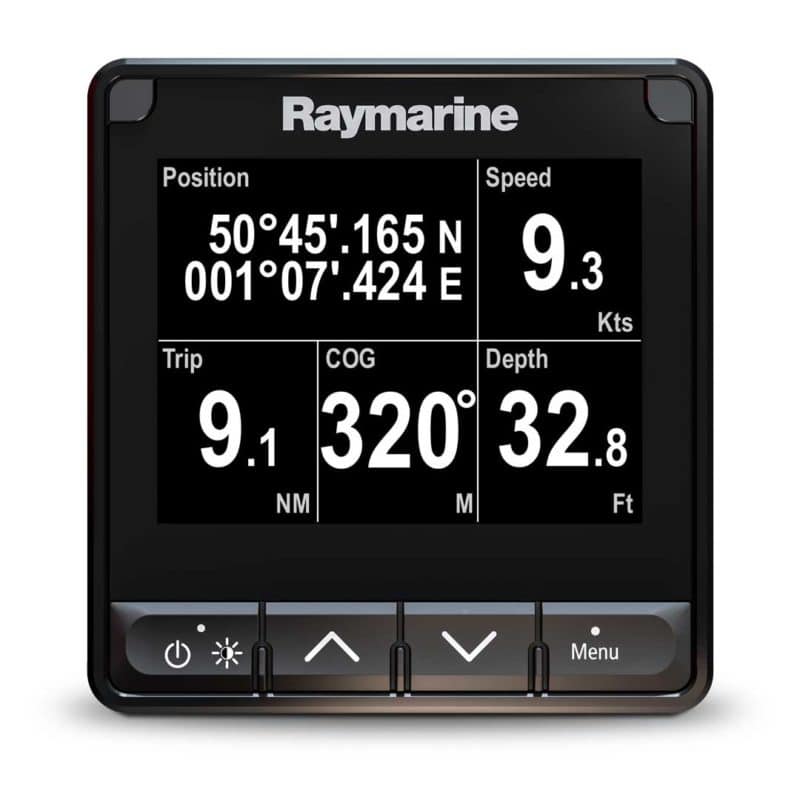
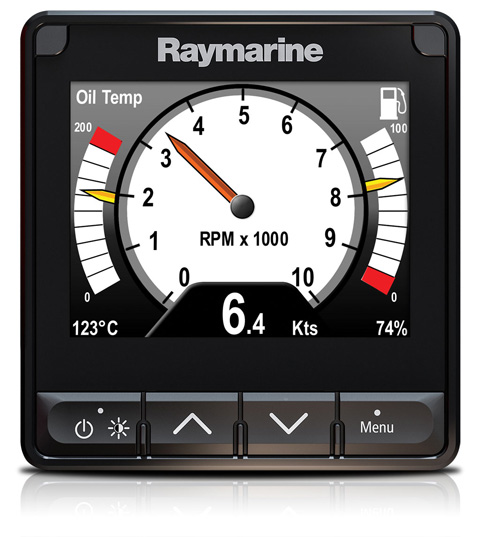
The i70s offers rich graphics and allows choice between digital, graphical or analogue displays. With digits up to 2 inches high, it is ideally suited for installation in mast pods and on overhead consoles where data is monitored from a distance. The i70s supports multiple colour palettes and offers group-based display brightness adjustment. This allows for convenient display lighting control in different groups during night navigation. For example, brighter on the mast and darker at the helm.
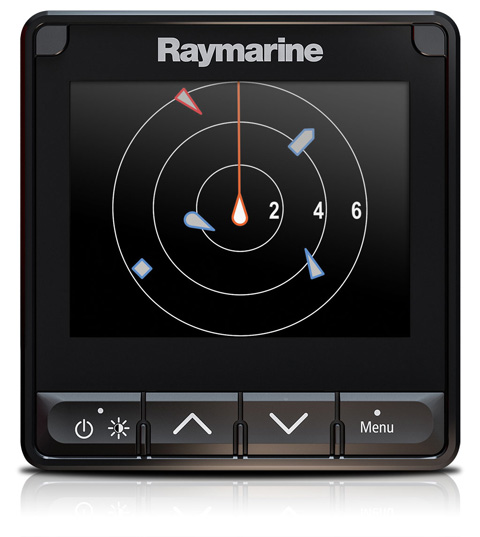
In addition to displaying depth, speed, wind, and compass data, the i70s can also display various other data, including GPS, weather, engines, and tank level. Thanks to an integrated AIS repeater view, the i70s displays nearby AIS targets.
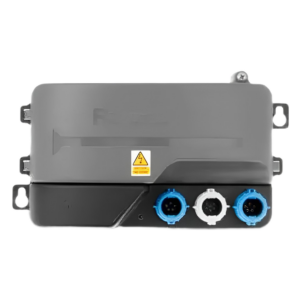
The i70s is compatible with Raymarine SeaTalkng and NMEA2000 networks (an adapter is required for NMEA2000). DeviceNet–SeaTalkng cable or STNG-DeviceNet Male adapter). Easy installation, the i70s fits precisely into the 92mm round hole of older ST60 instruments.
Key features:
-
4.1" colour screen, with LED backlight.
-
Very low energy consumption (1.7W).
-
Versatile data views: depth, speed, wind, GPS, AIS etc.
-
AIS 25 closest targets overview.
-
Compatible with SeaTalkng, SeaTalk and NMEA2000 devices.
-
Synchronised brightness and colour management with i70s/p70s and Raymarine MFDs.
-
Easy setup with the LightHouse user interface.
-
IPX6 and IPX7 protection classes.
Technical data:
-
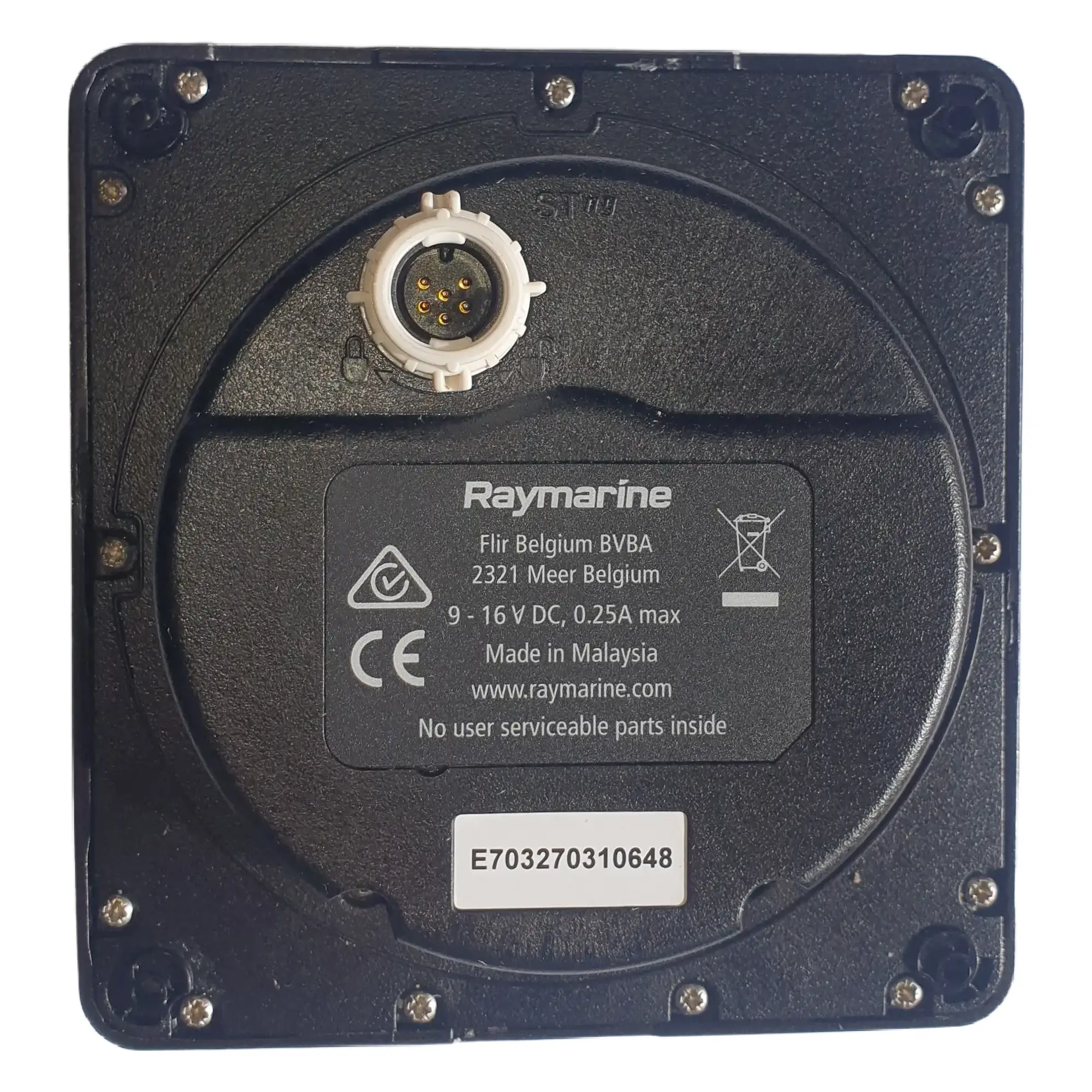
Power input: 12 V DC (range 9–16 V)
-
Power consumption: 1.7W (LEN-3)
-
LCD brightness: 1200 cd/m²
-
Resolution: 320 x 240 pixels
-
Working temperature: -20°C to +55°C
-
Water resistance: IPX6 and IPX7
-
Connections: 1 × SeaTalkng
Instructions:
Download i70s Installation Guide
Download i70 and i70s User Manual



 Eesti
Eesti  English (UK)
 Suomi
Suomi
 Русский