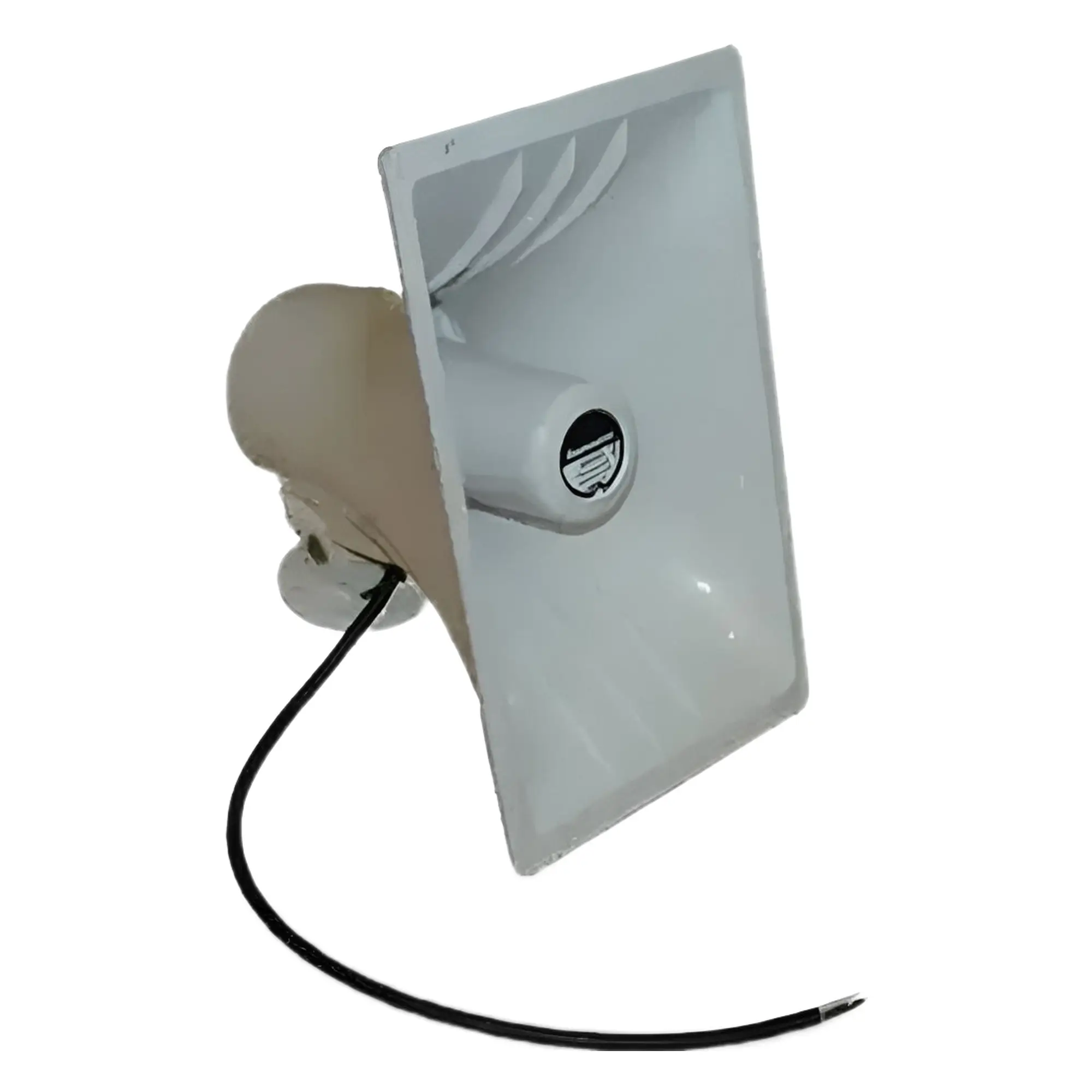
The Raymarine Hailing Horn is designed for use with the Ray90/91, Ray70/73, Ray260 and older Ray218, Ray240 and Ray430 VHF radios. The hailing horn operates bidirectionally, functioning as a microphone to listen to external sounds, and as a loudspeaker to transmit audio signals and voice commands. The hailing horn's 30W (8 Ohm) power output ensures audibility up to 600 metres.
DIY Quick Guide
The hailing horn is connected to the wiring behind Raymarine radios with Hailer capability, such as the Ray90/91, Ray70/73, etc., labelled HAILER + and HAILER -. For the hailer connection, it is recommended to use a 1.5mm² stranded tinned cable. As the hailer is usually installed outdoors, the cable should also have UV and saltwater resistant coating. If your vessel's specification does not require it, a shielded cable is not necessary for the hailer and radio. NB! Acoustically, it is very important to install the hailer horn so that it does not face directly towards the speaker's microphone! After the hailer is connected, the VHF radio will recognise it, and the option Hailer / Fog can be selected from the menu. For Hailer, you can select Voice commands and speak through the loudspeaker. For Fog, you can choose whether fog signals are given manually or automatically. The volume of the horn can be adjusted while the horn is in use. Example: If you have selected Hailer from the menu, press and hold the VHF radio's PTT button, speak, and adjust the volume to suit the situation. Please always carry out all installation and maintenance work with at least the connected devices switched off!
Instructions:
Download Ray70/73 Installation and User Guide
Download Ray90/91 Installation and User Manual


 Eesti
Eesti  English (UK)
 Suomi
Suomi
 Русский

