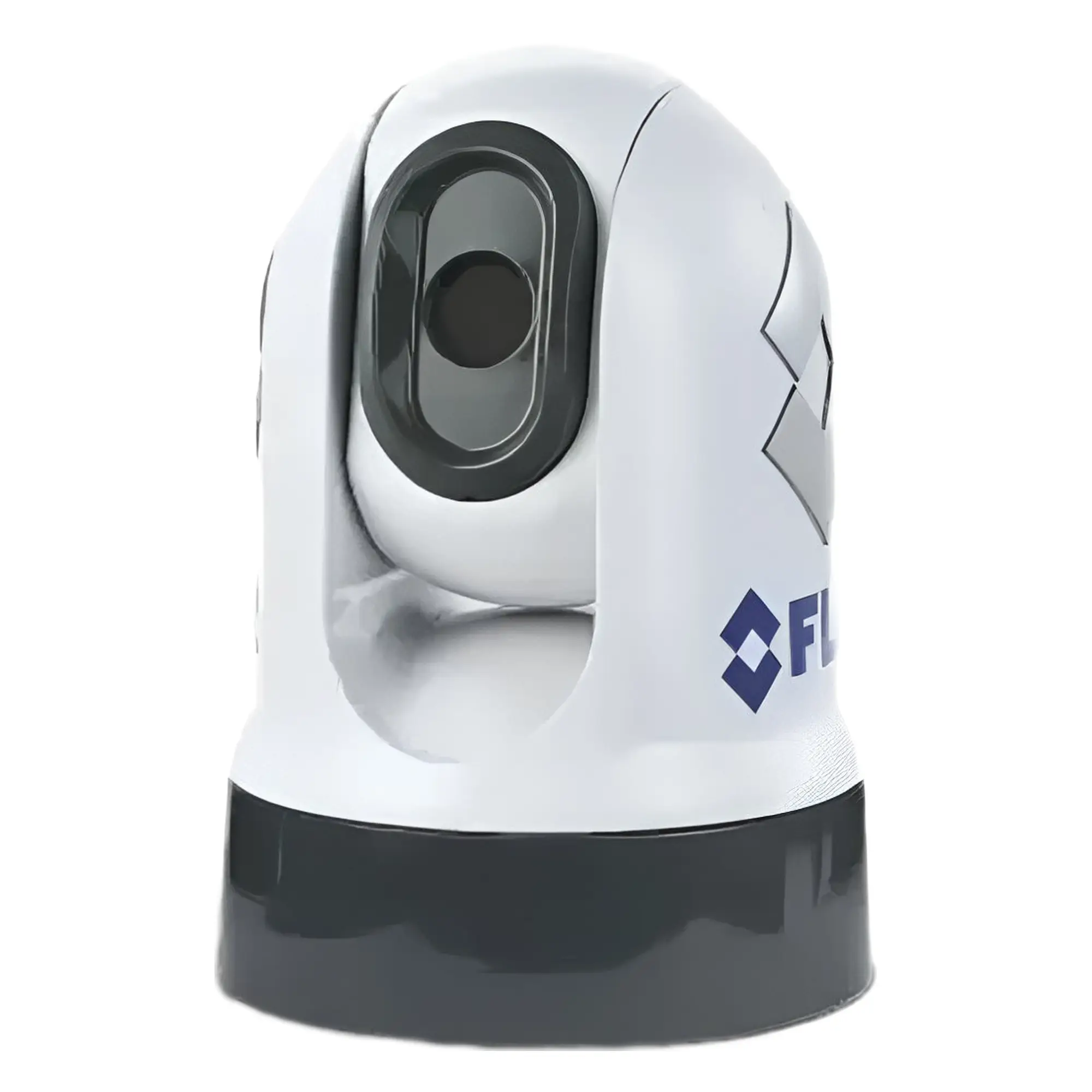
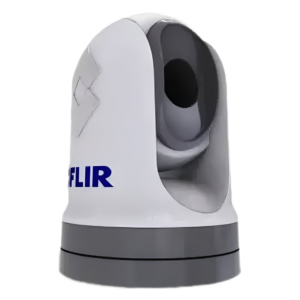
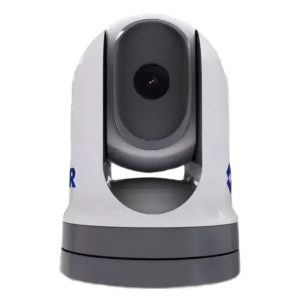
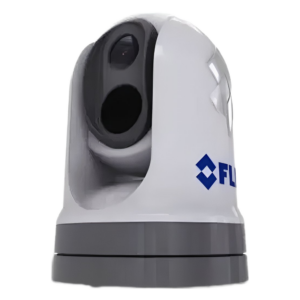
Raymarine FLIR M232 Pan and Tilt Thermal Camera 9Hz with IP Output.
The FLIR M232 pan and tilt camera is FLIR's smallest and most affordable pan and tilt camera for marine use. With its 320 x 240 resolution, the M232 improves safety by detecting vessels and obstacles at night. Enjoy a 360-degree view in all weather conditions.
Thermal cameras detect and display images based on slight differences, not light. Regardless of how much light is available – from pitch-black moonlight to strong midday glare – FLIR detectors capture all, even ice, radiant or reflective thermal energy. FLIR cameras then convert temperature changes into sharp infrared video images, allowing you to see at night and navigate in complete darkness. Combine with the M232 Raymarine Axiom MFD and utilise FLIR's ClearCruise Intelligent set thermal analysis. ClearCruise Provides audible and visual warnings when dangerous objects appear on screen – such as boats, obstacles, or navigation markers. This improves a boat's overall situational awareness, day or night. Installation note: ClearCruise™ features are only available with standard “ball up” installations. The M232 also improves navigation and safety, helping to see bridges, docks, buoys and other vessels during both night and day. The FLIR M232 helps boaters find people in the water faster than with spotlights and radar alone. M232 uses FLIR's Boson™ The thermoelements offer optimised viewing with a full 320 x 240 resolution for horizon-to-horizon viewing and 4x continuous e-zoom. The FLIR M232's compact and lightweight design, combined with its IP video connectivity, makes it easy to install on any vessel and integrate quickly with multiple MFDs. „Plug and Play” IP compatibility with Raymarine chartplotters: aSeries, cSeries, eSeries, gS Series, and Axiom, Axiom Pro, and Axiom XL.
Specification:
General
- Detector type: 320 × 240 VOx microbolometer
- E-suum: 4x
- Field of View: 24° × 18°
- Image processing: FLIR proprietary digital detail enhancement ™
- Pan/Tilt range
- Panning: 360° (continuous)
- Kalle: +110°, -90°
- Size
- Diameter 6.34 inches (161.1 mm)
- 9.03 inches (229.3 mm) high
- Cal
- 6.0 lbs (2.7 kg) without overhead lift
- 6.6 lbs (3.0 kg) with a top-lifting frame
Colour camera
Connections and communication
- Video output: H264 IP video stream
Environment
- Drop test rating: 1 m drop (in packaging)
- Electromagnetic interference IEC 60945
- Operating temperature range: -25 °C to +55 °C
- Rating: IPX6
- Relative humidity: 95% maximum
- Soolaudu: IEC 60945
- Storage temperature range: -30 °C to +70 °C
- Vibration: IEC 60945; MIL-STD-810E
- Wind: 100 miles per hour (161 km/h)
Frame and optics
Power
- Power requirement: 15 W (typical) 18 W (max)
- Power requirement: 12 or 24 V DC
Range performance
- Human in water: ~1500 feet (457 m)
- Small ship: ~0.67 nm (1.3 km)
Carbis
- Thermal imaging camera
- Thermal camera gasket
- 3 x thermal camera mounting hardware: nuts, nyloc nuts, spring washers, flat washers and threaded inserts
- 2 x self-adhesive stickers (for ball-down installation only)
- RayNet-RJ45 adapter cable (100 mm) A80513
- Right-angled RayNet cable (10 m) A80512
- Power cable, 3-pin, right-angled, with one keyed conductor (10 m) A80511
- Top-down mount kit (includes pedestal, pedestal base gasket and pedestal mounting template)
- Documentation
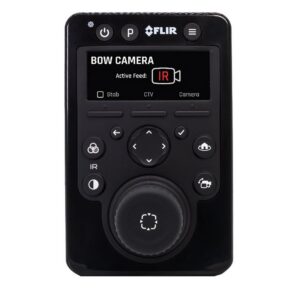
This is a specific product which, when used in systems other than Raymarine LightHouse 2/3/4/5, requires at least elementary knowledge of computer networking, IP addresses, and configuring an IP to analogue video decoder. If you already know that you will be using this product in systems other than the aforementioned Raymarine systems, then it is essential to also purchase a JCU-3 or JCU-4 joystick. If you are unsure whether you will be able to manage, please consult your IT specialist before purchasing. If success is questionable or still seems complicated, it is wiser to refrain from purchasing this product. We do not offer computer or IT support. NB! Thermal cameras cannot be returned.
Instructions:
 Download M232 thermal camera installation and user manual.
Download User manual for M232 camera video decoder.
Download JCU-3 Installation and User Manual.
Download JCU-4 Installation and User Manual.
Look M232 and other thermal cameras product introduction.


 Eesti
Eesti  English (UK)
 Suomi
Suomi
 Русский